Sync Interface Changes with the Firewall Management Center
Interface changes on the device can cause the Firewall Management Center and the device to get out of sync. The Firewall Management Center can detect interface changes by one of the following methods:
-
Event sent from the device
-
Sync when you deploy from the Firewall Management Center
If the Firewall Management Center detects interface changes when it attempts to deploy, the deployment will fail. You must first accept the interface changes.
-
Manual sync
There are two types of interface changes performed outside of Firewall Management Center that need to be synched:
-
Addition or deletion of physical interfaces—Adding a new interface, or deleting an unused interface has minimal impact on the Firewall Threat Defense configuration. However, deleting an interface that is used in your security policy will impact the configuration. Interfaces can be referenced directly in many places in the Firewall Threat Defense configuration, including access rules, NAT, SSL, identity rules, VPN, DHCP server, and so on. Deleting an interface will delete any configuration associated with that interface. Policies that refer to security zones are not affected. You can also edit the membership of an allocated EtherChannel without affecting the logical device or requiring a sync on the Firewall Management Center.
When the Firewall Management Center detects changes, the Interface page shows status (removed, changed, or added) to the left of each interface.
-
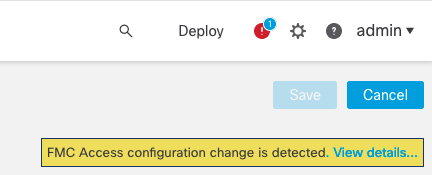
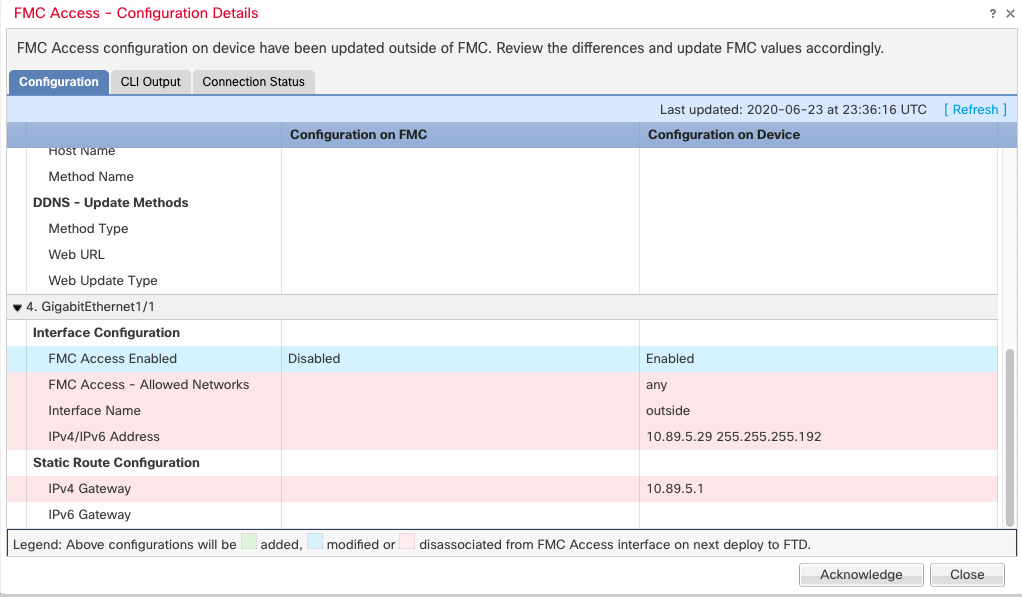
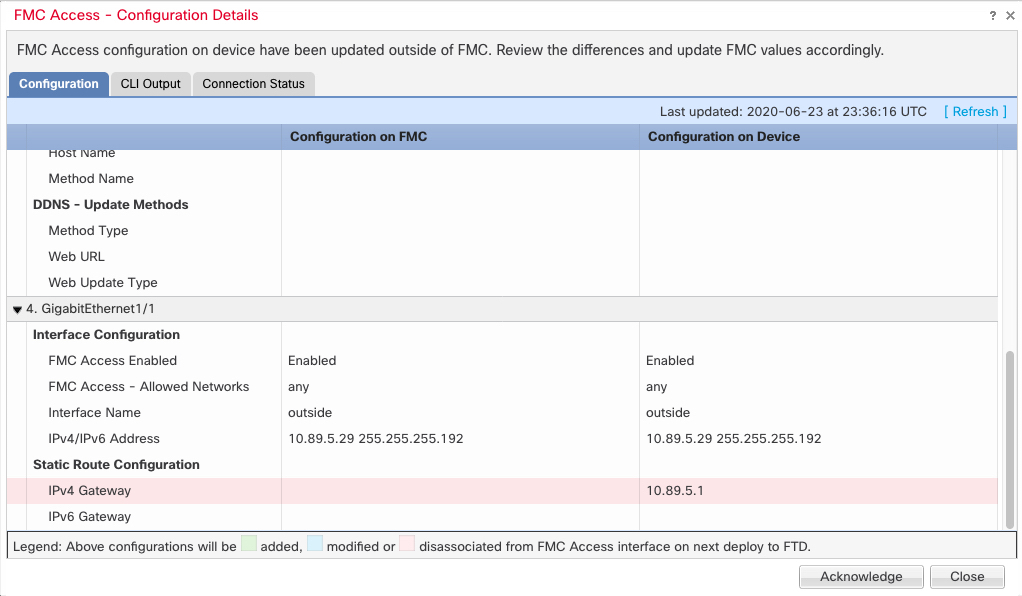
Firewall Management Center access interface changes—If you configure a data interface for managing using the configure network management-data-interface command, you must manually make matching configuration changes in and then acknowledge the changes. These interface changes cannot be made automatically.
When the Firewall Management Center detects changes, the Interface page shows status (removed, changed, or added) to the left of each interface.
Adding a new interface, or deleting an unused interface has minimal impact on the Firewall Threat Defense configuration. However, deleting an interface that is used in your security policy will impact the configuration. Interfaces can be referenced directly in many places in the Firewall Threat Defense configuration, including access rules, NAT, SSL, identity rules, VPN, DHCP server, and so on. Deleting an interface will delete any configuration associated with that interface. Policies that refer to security zones are not affected. You can also edit the membership of an allocated EtherChannel without affecting the logical device or requiring a sync on the Firewall Management Center.
This procedure describes how to manually sync interface changes if required and how to acknowledge the detected changes. If interface changes are temporary, you should not save the changes in the Firewall Management Center; you should wait until the device is stable, and then re-sync.
Before you begin
Procedure
Step 1 | Select and click Edit ( |
Step 2 | If required, click Sync Device on the top left of Interfaces. |
Step 3 | After the changes are detected, see the following steps. Addition or Deletion of Physical Interfaces FMC Access Interface Changes
|