Delegate group policy selection to authorization server
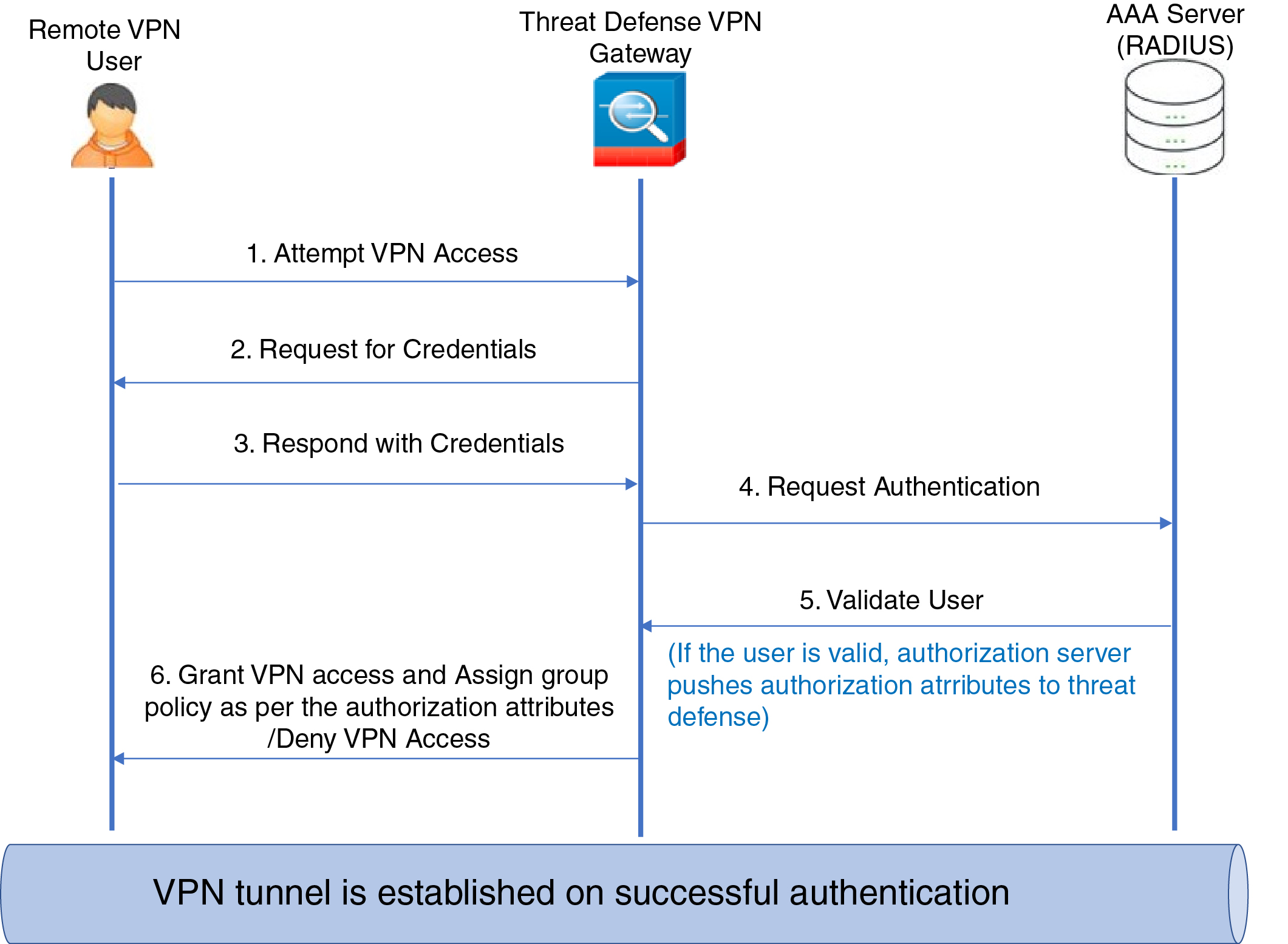
Group policies are assigned to users during VPN tunnel establishment.
Group policy assignment for remote access VPN policies
Assign a group policy to a connection profile in two ways:
-
Create a remote access VPN policy using the wizard.
-
Update an existing connection profile.
You can source group policies from the connection profile, or an external AAA server. If the Firewall Threat Defense device receives conflicting attributes from an external AAA server and the connection profile, the AAA server attributes take precedence.
For more information, see the Configure Standard Authorization Policies section of Cisco Identity Services Engine Administrator Guide and Appendix B: RADIUS server attributes for Firewall Threat Defense devices.
Assign group policies using ISE or RADIUS server
Configure an ISE or a RADIUS server to set the authorization profile for a user or user group. To do this, configure the server to send IETF RADIUS Attribute 25 and map it to the corresponding group policy name. With this approach, you can configure a group policy to perform these actions:
-
Apply a downloadable ACL.
-
Display a banner.
-
Restrict VLAN access.
-
Apply a Security Group Tag (SGT) to the session.