Configure access control rule validataion
Configure and verify that Firewall Management Center can show policy warnings, rule warnings, high expansion rule filters, and deployment validation results.
Access rule capacity validation is enabled by default. Use these tasks to verify the setting, find high expansion rules, optimize rules, and respond to deployment validation.
Procedure
Step 1 | In the Cloud-Delivered Firewall Management Center menu, choose . |
Step 2 | Confirm that Access Rule Capacity Validation and Access Rule Deploy Validation are enabled. These settings are enabled by default. |
Step 3 | To disable the feature, turn off these two options in the Access Control Preferences page. 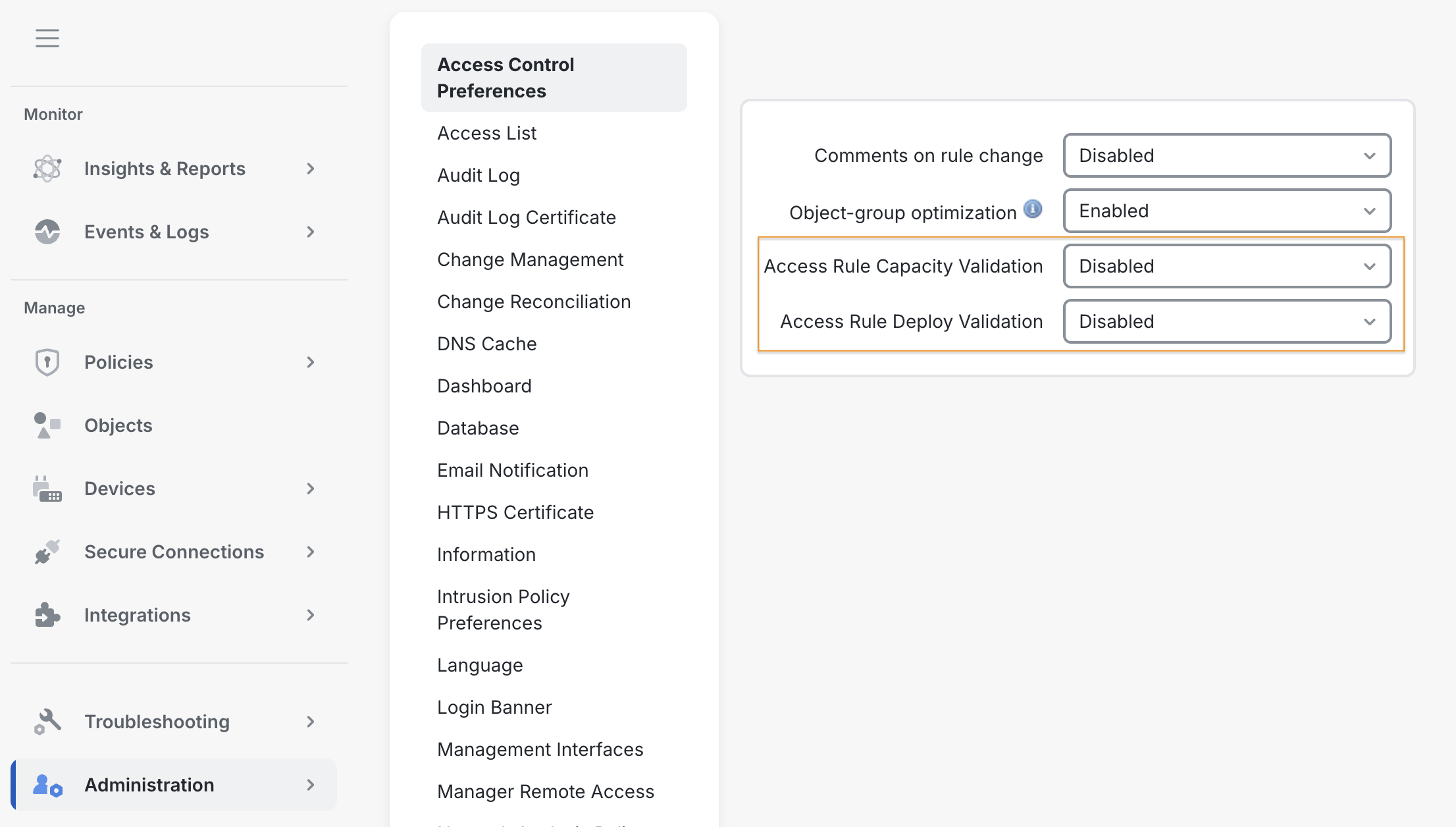 |
Step 4 | Click Save. |