Configure dynamic manual PAT with different destination ports
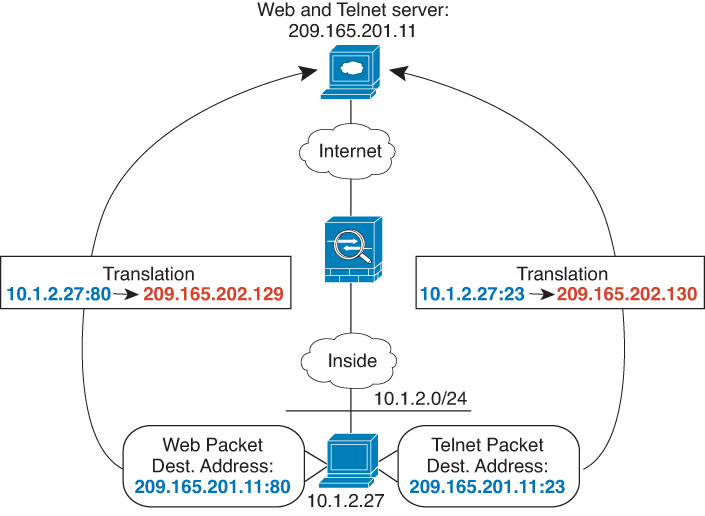
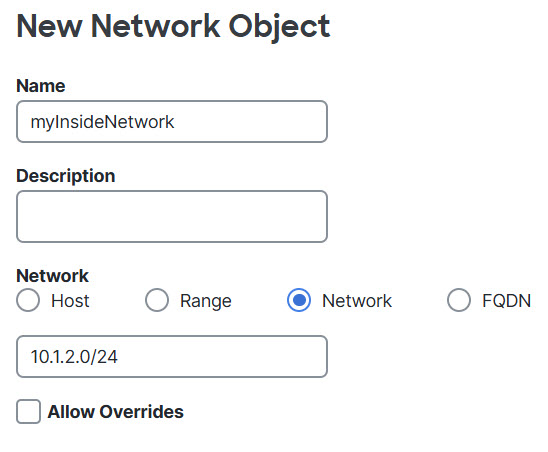
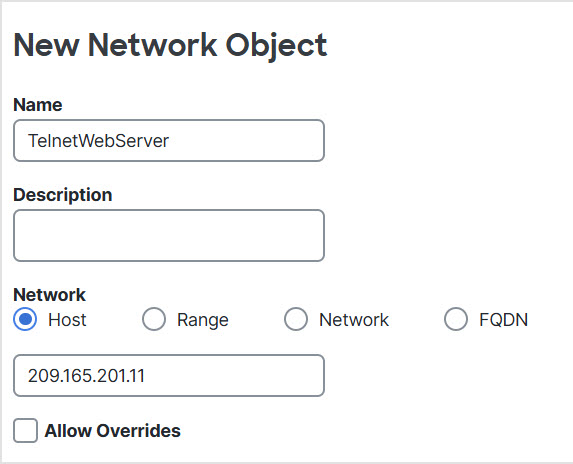
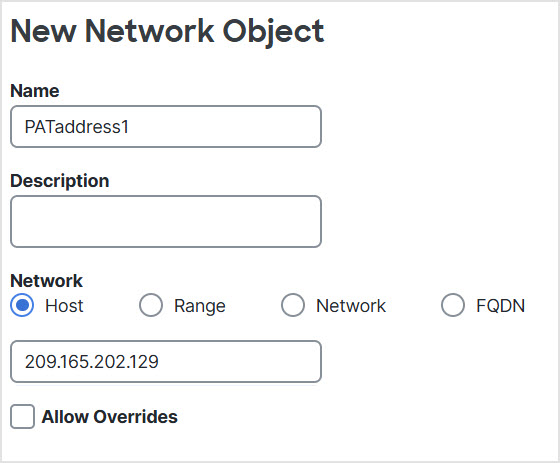
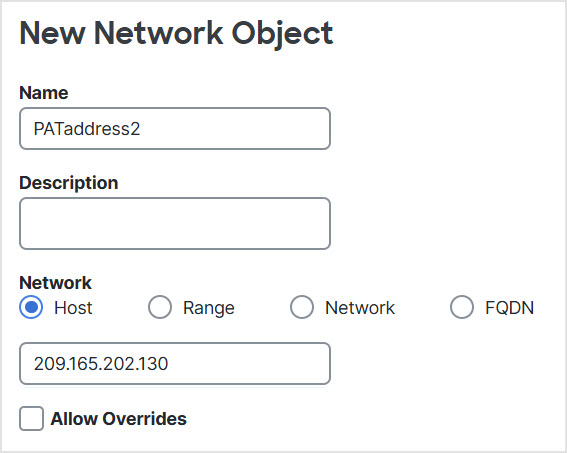
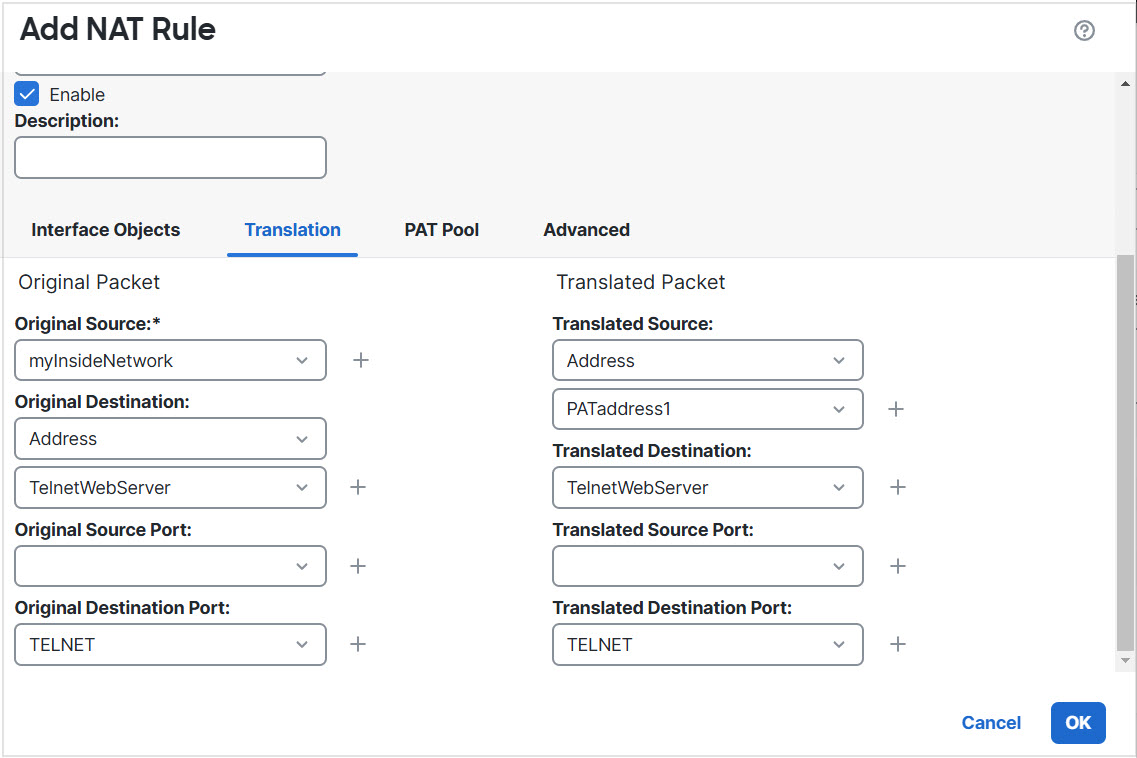
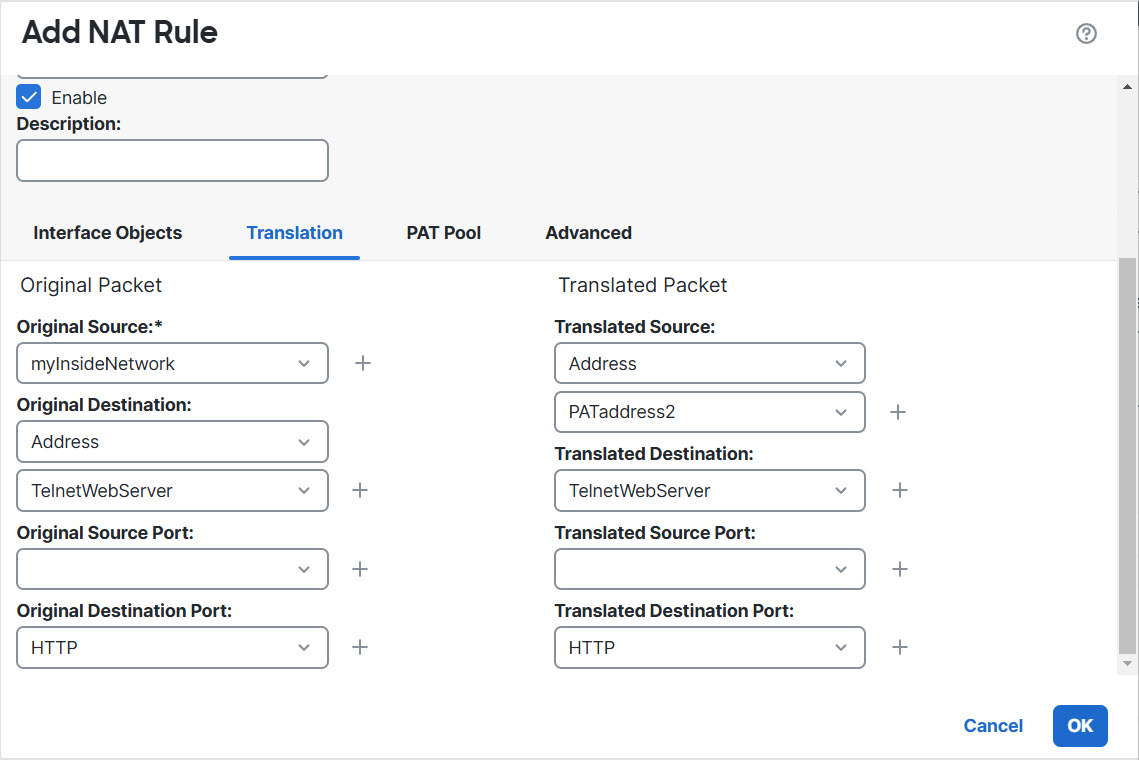
This illustration displays the use of source and destination ports. The host on the 10.1.2.0/24 network accesses a single host for both web services and Telnet services. When the host accesses the server for Telnet services, the real address is translated to 209.165.202.129: port. When the host accesses the same server for web services, the real address is translated to 209.165.202.130: port.
Manual NAT with Different Destination Ports
Before you begin
Ensure that you have interface objects (security zones or interface groups) that contain the interfaces for the device that protects the servers. In this example, we will assume the interface objects are security zones named
inside
and
dmz. To configure interface objects, select
Objects > Interface.
Original Destination Port
= TELNET port object (system-defined).
Translated Destination Port
= TELNET port object (system-defined).
Note
Because you do not want to translate the destination address or port, you need to configure identity NAT for them by specifying the same address for the original and translated destination addresses, and the same port for the original and translated port.