Object Overrides
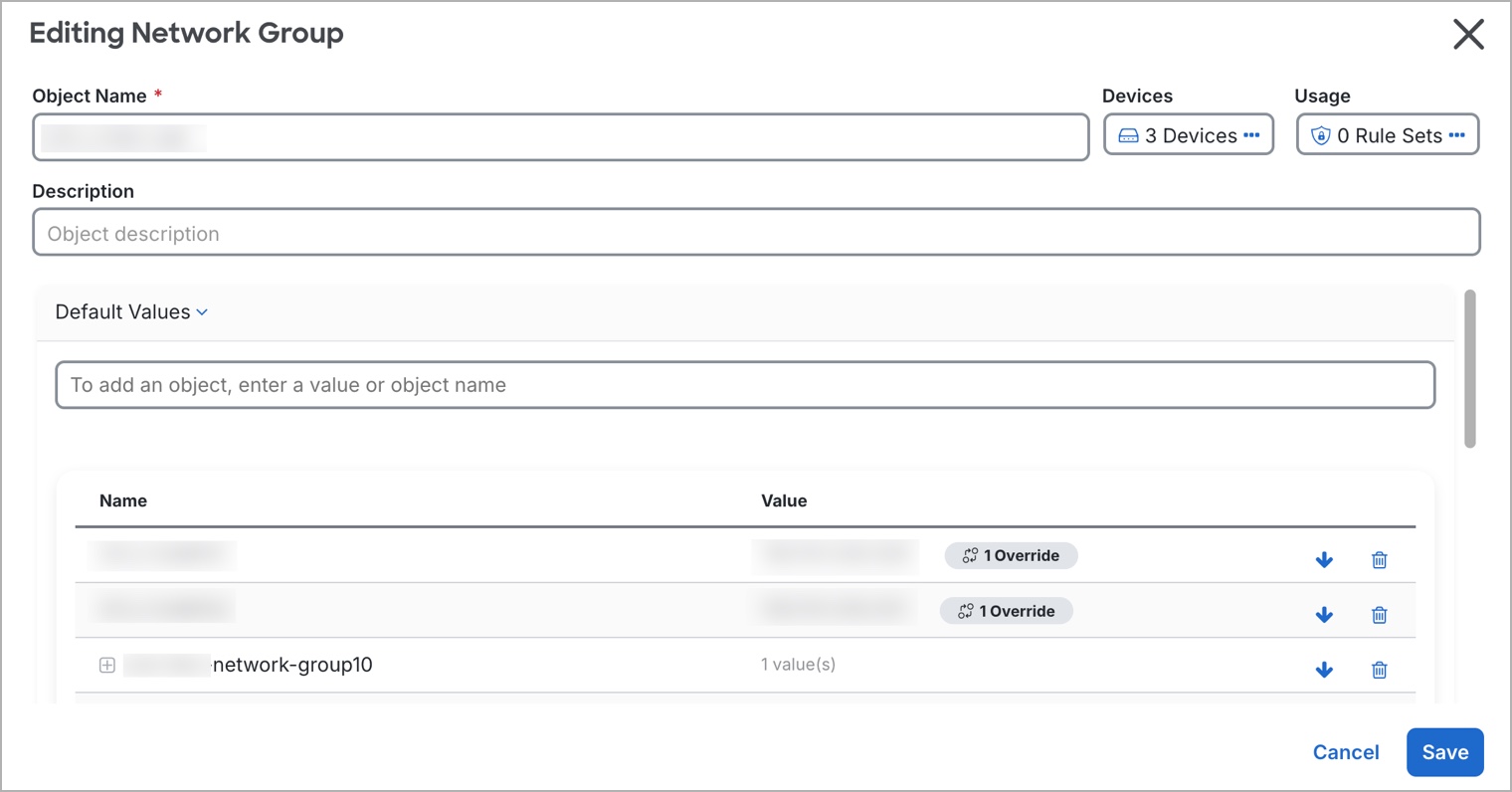
An object override lets you customize a shared object for specific devices. When a device has an override, Security Cloud Control Firewall Management uses the override value for that device instead of the object's default value.
Overrides allow you to maintain a single shared policy across devices while tailoring individual object values where needed.
Use overrides when you want to maintain one shared policy across devices but need specific devices to use different object values. For example, a shared print-server object can use the default value 10.1.1.100 for most offices, while Office B uses an override value of 10.2.1.100.
Overrides on network object groups
For network object groups, overrides fully replace the default values for the devices that are assigned to the override. A device with an override receives only the override values, not the default values.
This replacement behavior has these effects:
-
Changes to default values affect only devices without overrides.
-
Changes to an override affect only the devices assigned to that override.
-
If a device needs the default values plus a local value, add all required values to the override.
For example, a shared dns-servers network group contains default values primary-dns (10.0.1.53) and secondary-dns (10.0.2.53) for Branch A, Branch B, and Branch C. Branch C also needs local-dns-cache (10.30.1.53). Because a network group override replaces the defaults, the Branch C override must contain primary-dns, secondary-dns, and local-dns-cache.
If you later add a default value, such as tertiary-dns, Branch A and Branch B receive the new default value automatically. Branch C does not receive it until you add tertiary-dns to the Branch C override.