Network module management for Secure Firewall 3100/4200/6100
If you install a network module before powering on the device, the network module becomes enabled and ready for use automatically.
Network module management operations
To view physical interface details for the device, and to manage the network module, open the Chassis Operations page. From , click Manage in the Chassis column. For clustering or High Availability, this option is only available for the control node/active unit. The Chassis Operations page opens for the device.
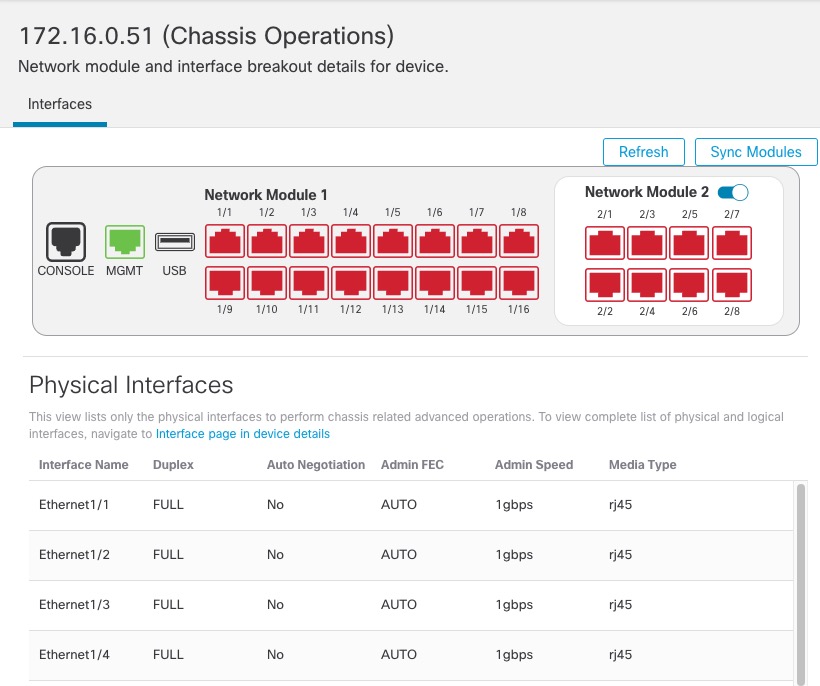
Click Refresh to refresh interface status. Click Sync Modules if you made a hardware change on the device that you need to detect.
If you need to make changes to your network module installation after initial bootup, then see the following procedures.