Applied Policies
The Applied Policies section of the Device page displays the following policies applied to your firewall:
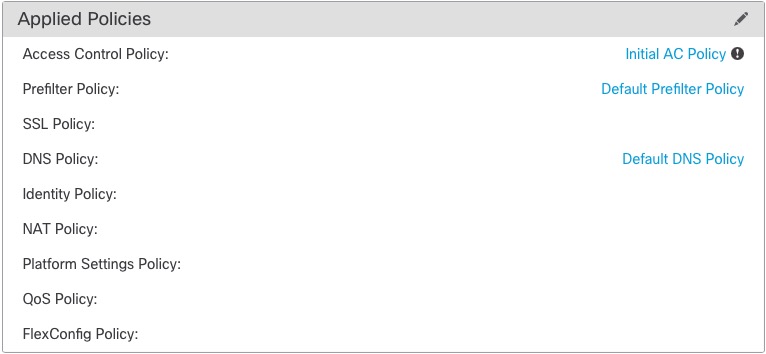
For policies with links, you can click the link to view the policy. To assign policies, see Edit applied policies.
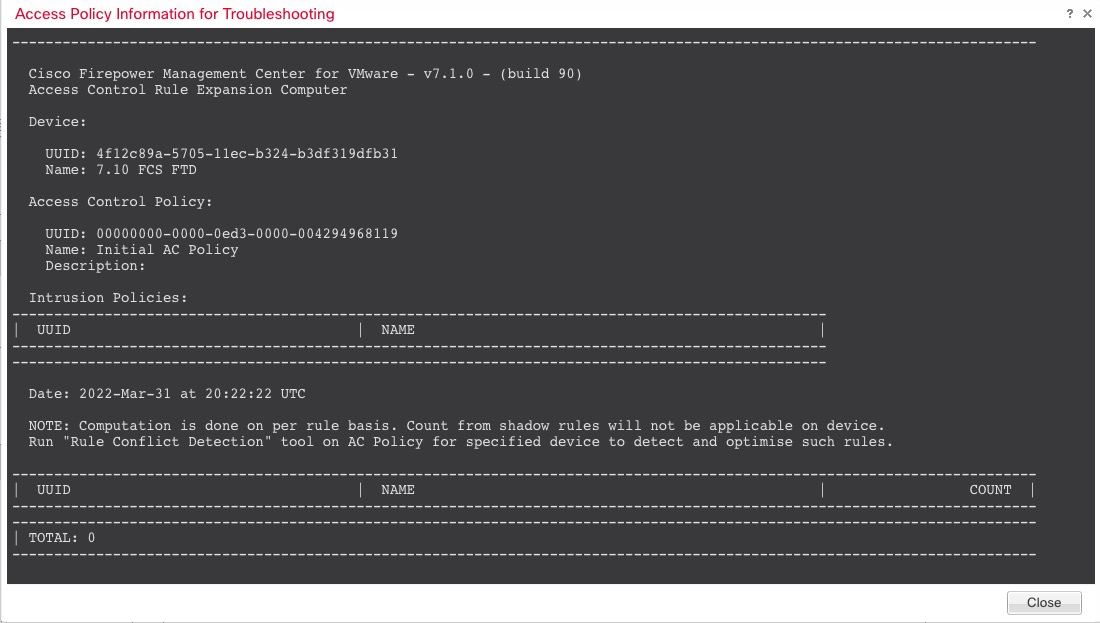
For the Access Control Policy, view the Access Policy Information for
Troubleshooting dialog box by clicking the Exclamation ( ) icon. This dialog box shows how access rules are expanded into access control
entries (ACEs).
) icon. This dialog box shows how access rules are expanded into access control
entries (ACEs).