Enable Snort 3 on Threat Defense device
Enable Snort 3 on your Threat Defense device for enhanced security capabilities.
Use this procedure to upgrade from Snort 2 to Snort 3 on your Threat Defense device.
Attention | During the deployment process, there could be a momentary traffic loss because the current inspection engine needs to be shut down. |
Procedure
Step 1 | Choose . |
Step 2 | Click the corresponding device to go to the device home page. |
Step 3 | Click the Device tab. |
Step 4 | In the Inspection Engine section, click Upgrade. 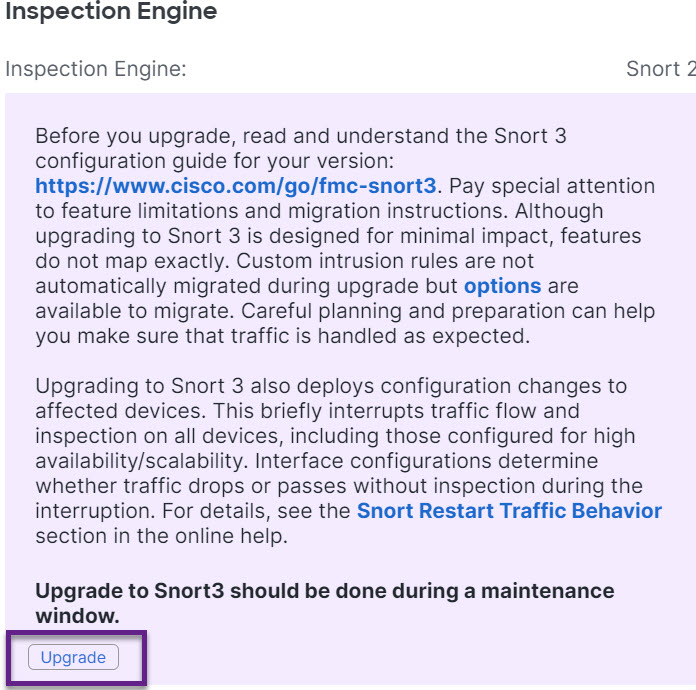
|
Step 5 | Click Yes. |
What to do next
Deploy the changes on the device. See Deploy configuration changes.
The system converts your policy configurations during the deployment process to make them compatible with the selected Snort version.