• Cisco Security Cloud Control Management: Cloud-Delivered Firewall Management Center
  • Onboard Devices to Cloud-Delivered Firewall Management Center
  • System Settings
  • Optimize Firewall Performance with AIOps
  • Health and Monitoring
  • Tools
  • Reporting and Alerting
  • Event and Asset Analysis Tools
  • Events and Assets
  • High Availability and Scalability
    • Multi-Instance Mode
    • Logical Devices on the Firepower 4100/9300
    • High Availability for Devices
    • Clustering: Secure Firewall 3100/4200/6100
      • About Clustering for the Secure Firewall 3100/4200/6100
      • Licenses for clustering
      • Requirements and Prerequisites for Clustering
      • Guidelines for Clustering
      • Configure Clustering
      • Manage Cluster Nodes
      • Monitoring the Cluster
      • Troubleshooting the Cluster
        • Perform a Ping on the Cluster Control Link
      • Examples for Clustering
      • Reference for Clustering
      • History for Clustering
    • Clustering: Private Cloud
    • Clustering: Public Cloud
    • Clustering: Firepower 4100/9300
  • Interfaces and Device Settings
  • Routing
  • Network Policies
  • Secure Connections
  • Zero Trust Network Access
  • Access Control Policy Basics
  • Decryption Policies and Encrypted Visibility for Access Control
  • Identity Policies for Access Control
  • Advanced Policies and Settings for Access Control
  • Custom Intrusion Policies for Access Control
  • Network Discovery
  • Objects and Certificates
  • Reference

Perform a Ping on the Cluster Control Link

When a node joins the cluster, it checks MTU compatibility by sending a ping to the control node with a packet size matching the cluster control link MTU. If the initial ping fails, the node tries a ping using a smaller packet size (the MTU divided by 2, then by 4, then by 8) until a ping succeeds. A notification is generated so you can fix the MTU mismatch on connecting switches and try again. This tool lets you manually ping all nodes that have already joined the cluster in case you are having cluster control link connectivity problems.

You can check to make sure all the cluster nodes can reach each other over the cluster control link by performing a ping. One major cause for the failure of a node to join the cluster is an incorrect cluster control link configuration; for example, the cluster control link MTU may be set higher than the connecting switch MTUs.

Procedure


Step 1

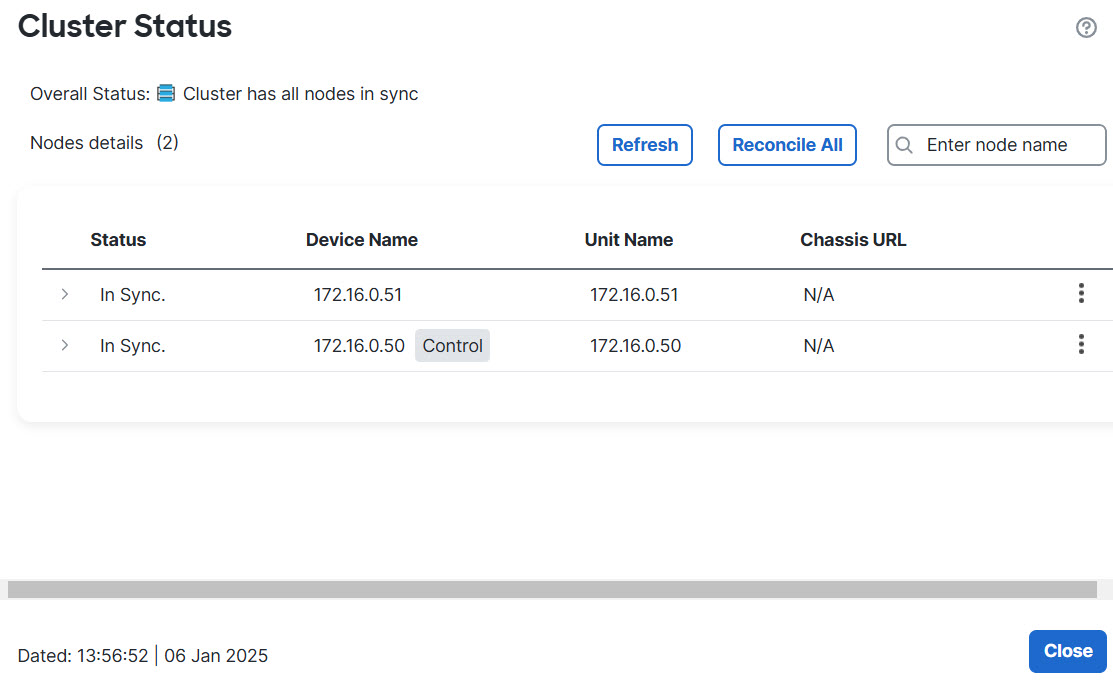
Choose Devices > Device Management, click the More (more icon) icon next to the cluster, and choose Cluster Live Status.

Cluster Status
Cluster Status

Step 2

Expand one of the nodes, and click CCL Ping.
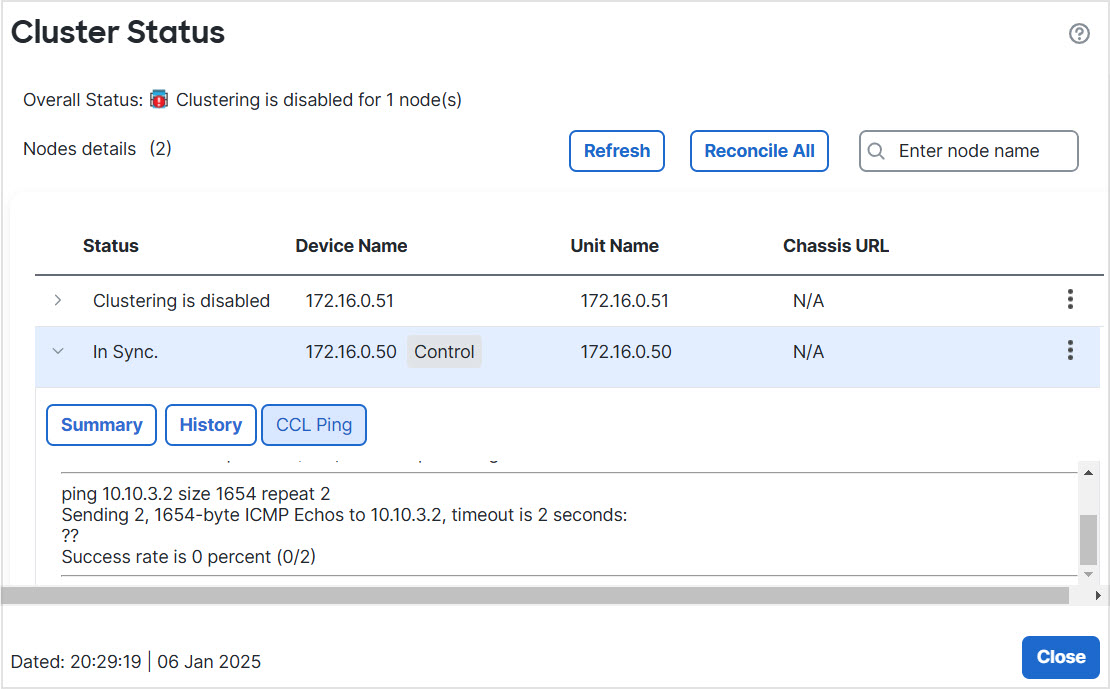
CCL Ping
CCL Ping

The node sends a ping on the cluster control link to every other node using a packet size that matches the maximum MTU.


Copyright © 2026, Cisco Systems, Inc. All rights reserved.