View device inventory
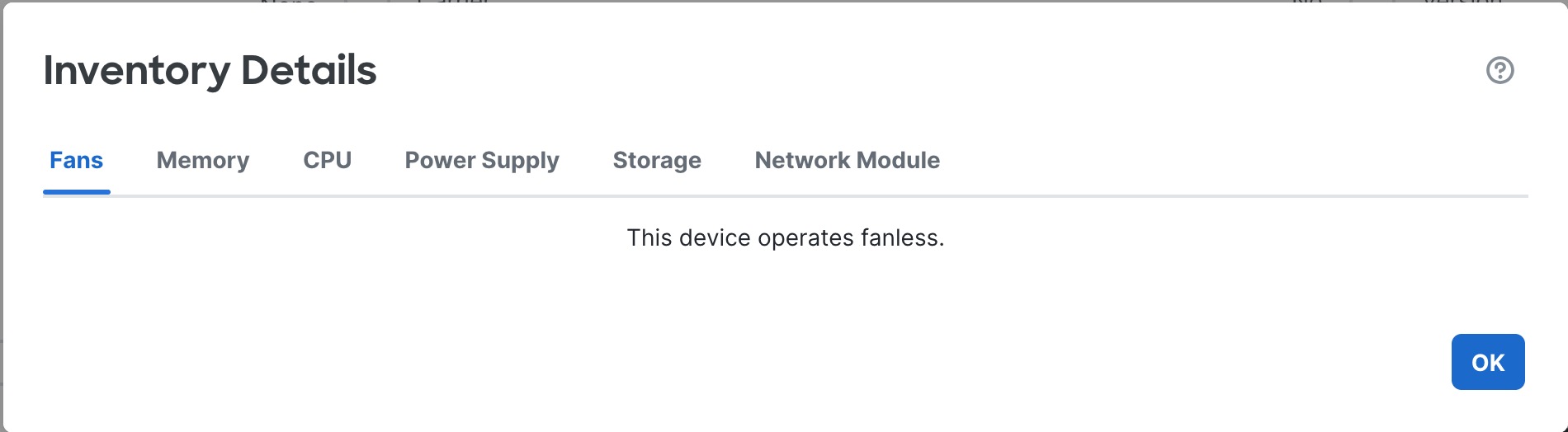
Click View next to Inventory in the System section to view a table of device inventory information including Fans, Memory, CPU, Power Supply, Storage, and Network Modules.
The Inventory Details table displays information about all the Cisco products installed in the Firewall Threat Defense devices assigned with a product identifier (PID). The PID is the product name using which the product can be ordered.
The Memory tab in the Inventory Details table displays information about the field-replaceable memory modules for supported Firewall Threat Defense devices. It also includes information about the operational status of the memory module, which helps to improve its field serviceability. The status can be one of these:
-
Operable: Indicates that a field-replaceable memory module is installed in the Firewall Threat Defense device, and it has the expected capacity for the device platform.
-
Degraded: Indicates that the capacity of the installed memory module does not match the expected capacity of the Firewall Threat Defense device platform, or that an uncorrectable error is detected. Contact Cisco Technical Assistance Center for further assistance.
-
Inoperable: Indicates that the dual-inline memory module cannot be detected by the Firewall Threat Defense device.